
Decision tool
PlaceMeant
What goes where?
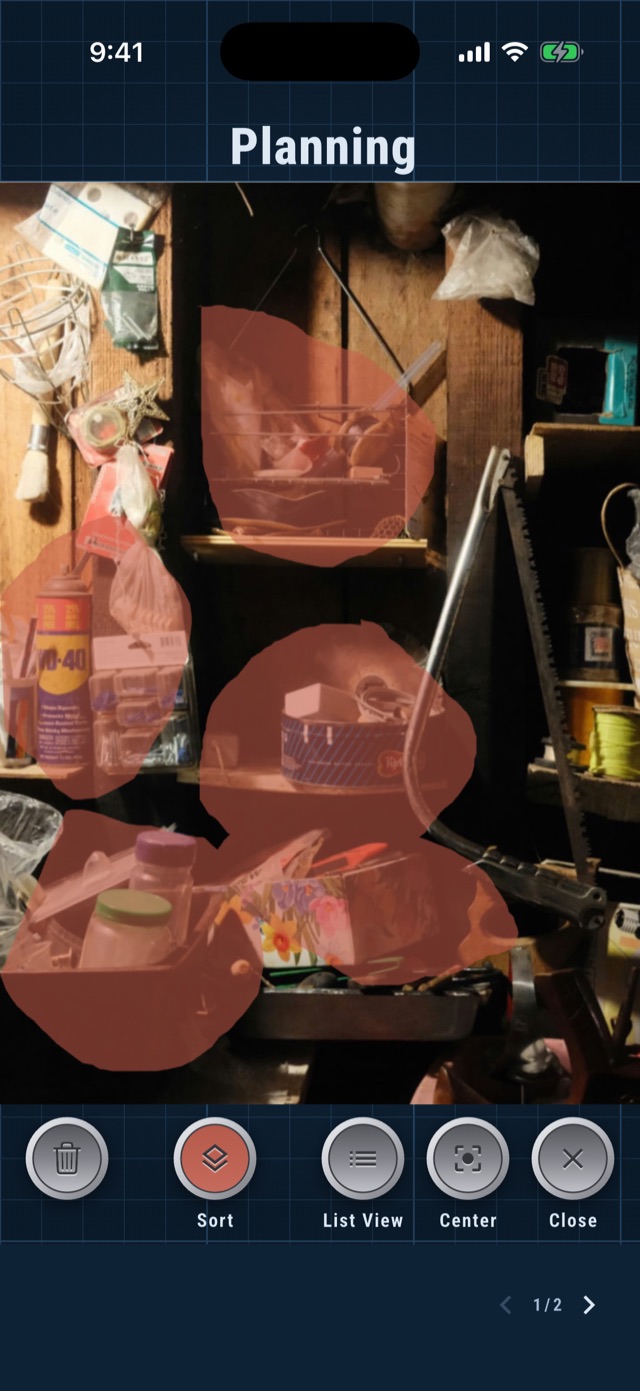
Photograph the space, lasso the objects, assign each one a place, then work from cutouts and directions. Decide with a clear view, follow the list in the room.


How it works
Four steps
from mess to plan.
What's inside
Built for the overwhelmed
and the cluttered.
The key insight behind PlaceMeant is that planning how to organize a space is a different job from organizing it, and the two should not happen at the same time.
Decisions made in the middle of the mess are bad decisions. Nobody thinks clearly in a ninety degree garage or a cramped attic, surrounded by the exact pile they are trying to reason about. PlaceMeant moves that thinking onto a photo, so you can sit somewhere comfortable, see the whole space at once, and make the calls without the heat and the noise.
It also keeps the plan from slipping away. Decide something while you are standing in the clutter and it is usually gone twenty minutes later, buried under the next thing you picked up. Here every choice stays in front of you, so the work in the room is no longer deciding and remembering. It is just following what you already worked out.
Start from a photo
Take a picture in the app or pick one you already have. PlaceMeant works from its own copy, so the original in your library is never touched.
Lasso any object
Trace around anything in the picture with your finger. Each shape becomes its own object that you can decide about on its own.
Places you define
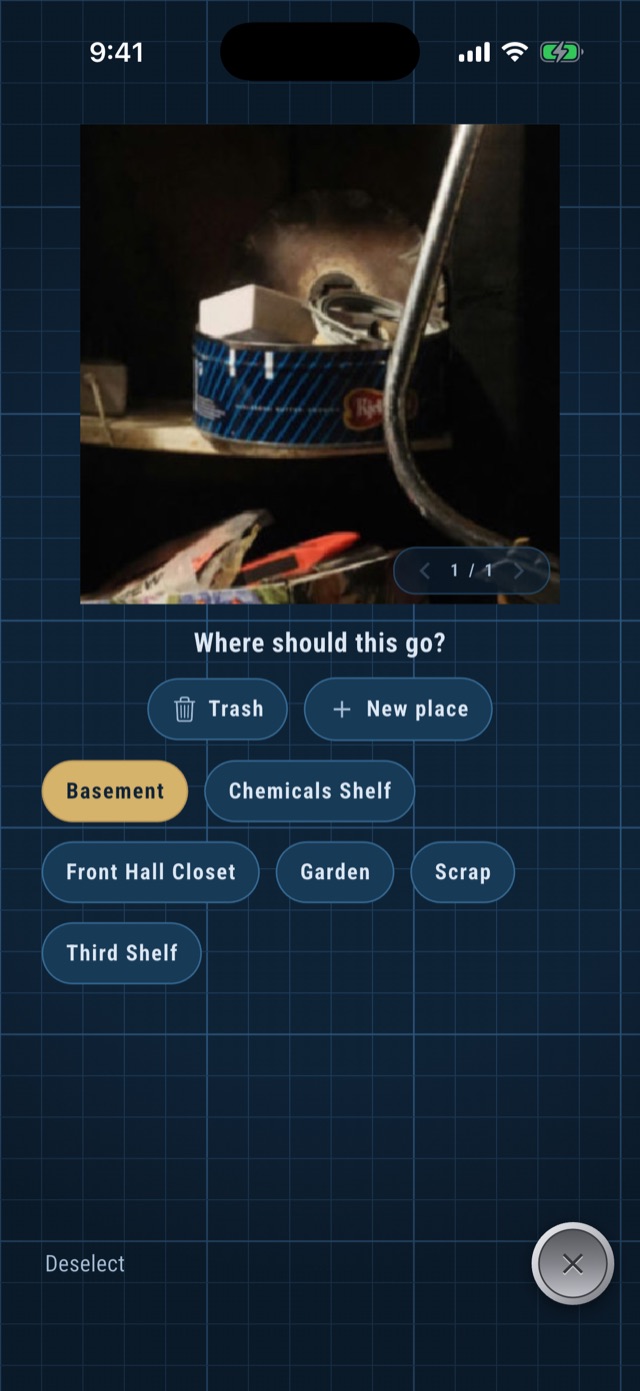
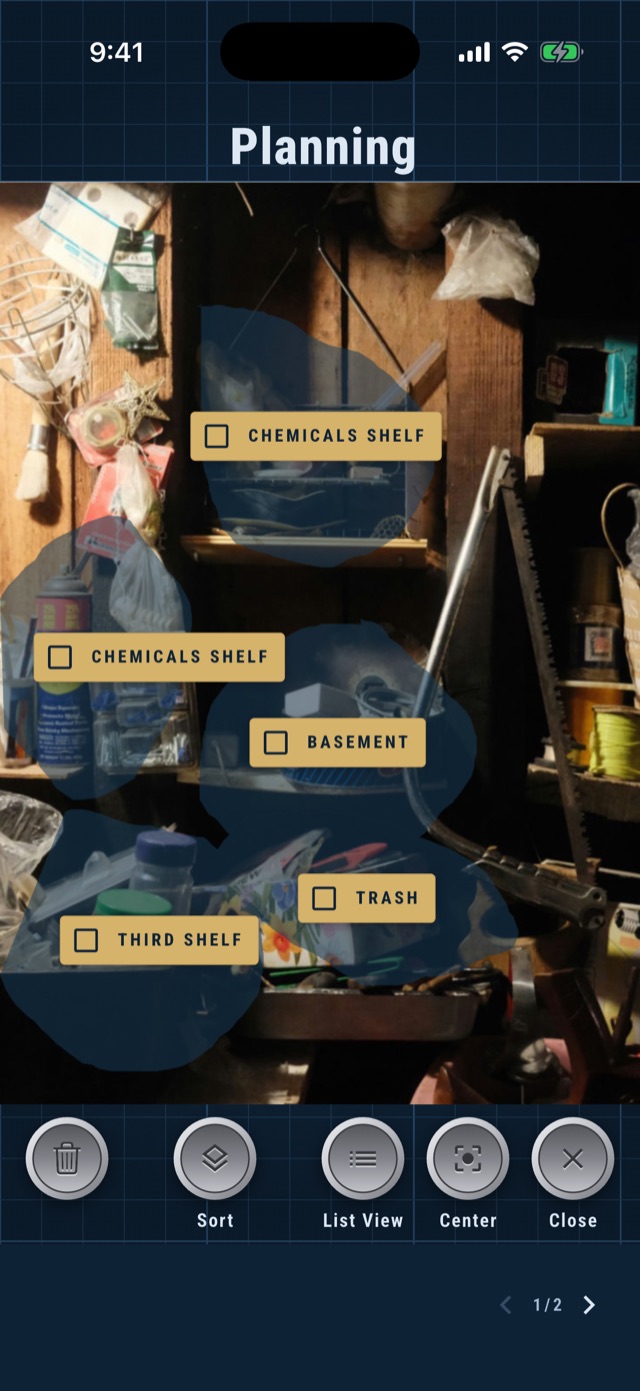
Send an object to the basement, a named shelf, the front hall closet, the garden, or the trash. Add a new place whenever one comes to mind.
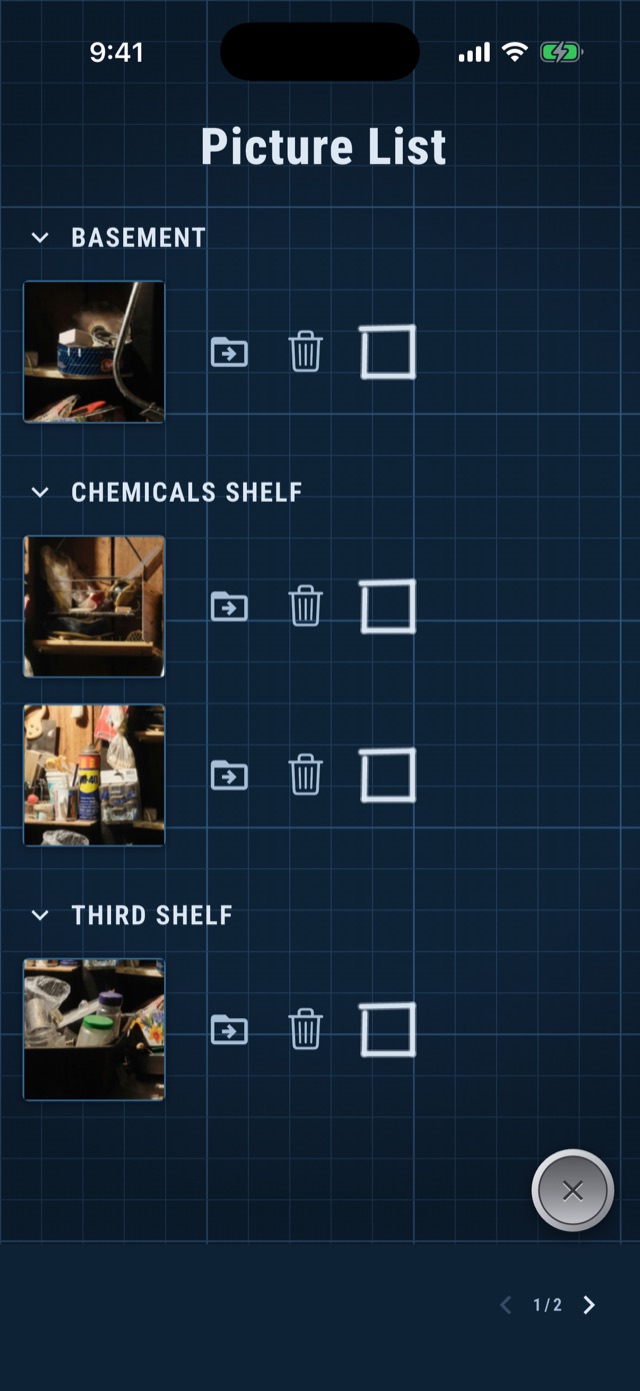
The picture list
Every decision collected and grouped by destination, each one showing the actual object and a box to check off as you work.
Video to contact sheet
Shoot a short video of the space and let the app pull frames from it, instead of lining up every photo by hand. Part of the one time unlock.
Entirely on your device
No account, no sync, no server. Your photos, cutouts, and plans stay on your phone, and nothing is uploaded anywhere.
Questions
Before you
download.
What does PlaceMeant cost?
The app is free to use. The free version works with one photo per project, and that photo can't be deleted once the project has it.
A one-time $5.99 unlock adds the rest:
- Multiple pictures per project. Cover a whole room, not just one corner of it.
- Add and delete pictures. Reshoot a shelf, drop a photo you no longer need, keep the project current as the space changes.
- Video to contact sheet. Take a short video from inside the app and turn it into frames to work from, instead of lining up each shot by hand.
That's a single purchase, for life. No subscription, no renewal, no meter running.
Where do my photos go?
Into the app, and nowhere else. Whether you take a picture through PlaceMeant or pick one you already have, the app keeps its own copy to work from. It doesn't modify, move, or delete anything in your photo library. It can't, and it never touches the originals.
The whole app is local. Your photos, cutouts, places, and lists live on your device only; nothing is uploaded to a cloud, a server, or an account, because there aren't any. See the privacy policy for the full detail.
Do I need an account?
No.
Which devices are supported?
iOS and Android. PlaceMeant is available on both the App Store and Google Play.
Start with a photo.
Take the picture now, make the decisions somewhere comfortable, and walk into the room with the plan already made.